Restaurant reservations
Fill your tables, and see tonight’s list.
Guests reserve a table by party size. You see tonight’s list.
$10/moSeparate add-on
What your customers see
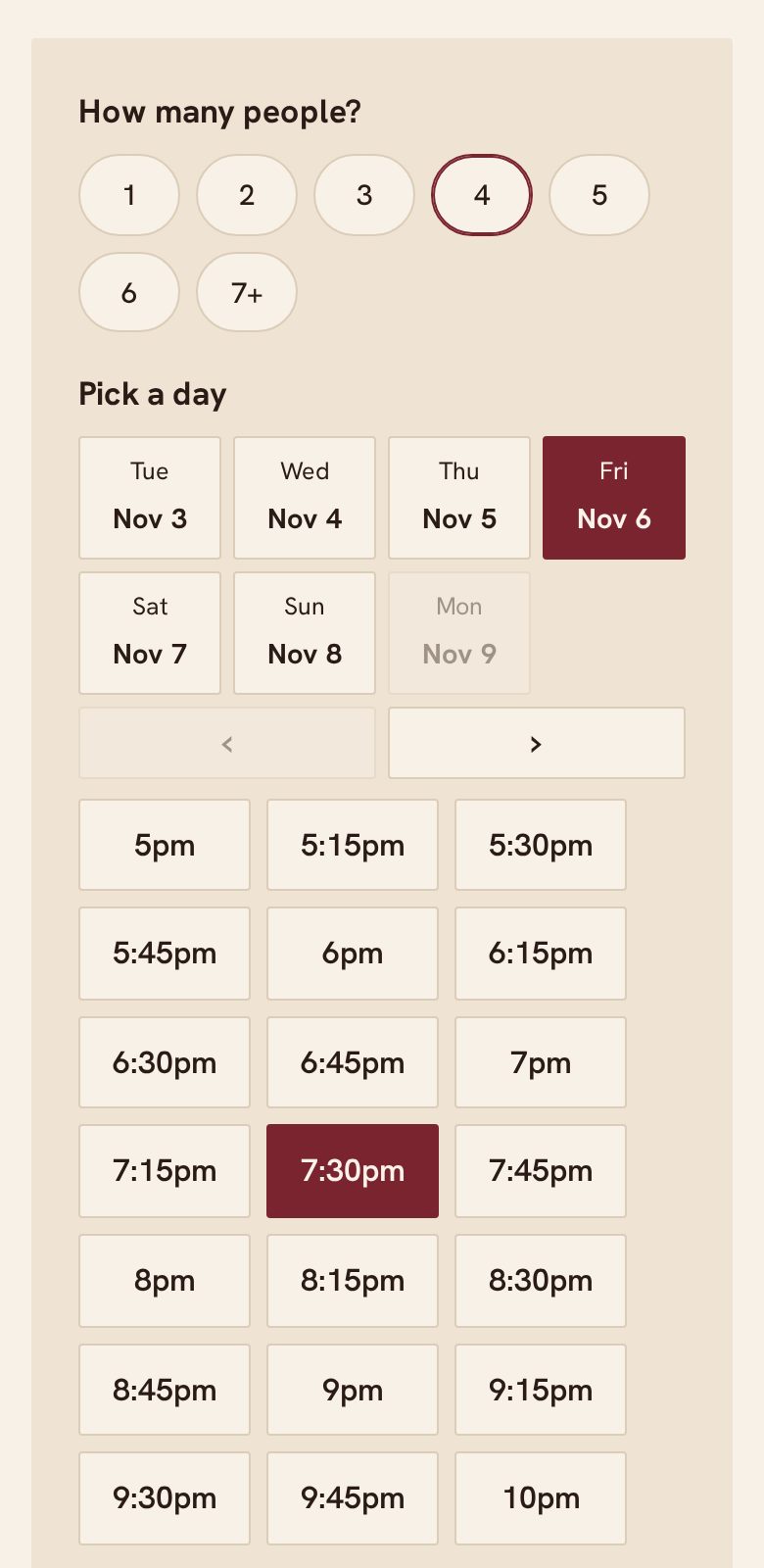
Nothing to install. Nothing to sign up for.
- Choose party size, day and time
- A reminder before the reservation
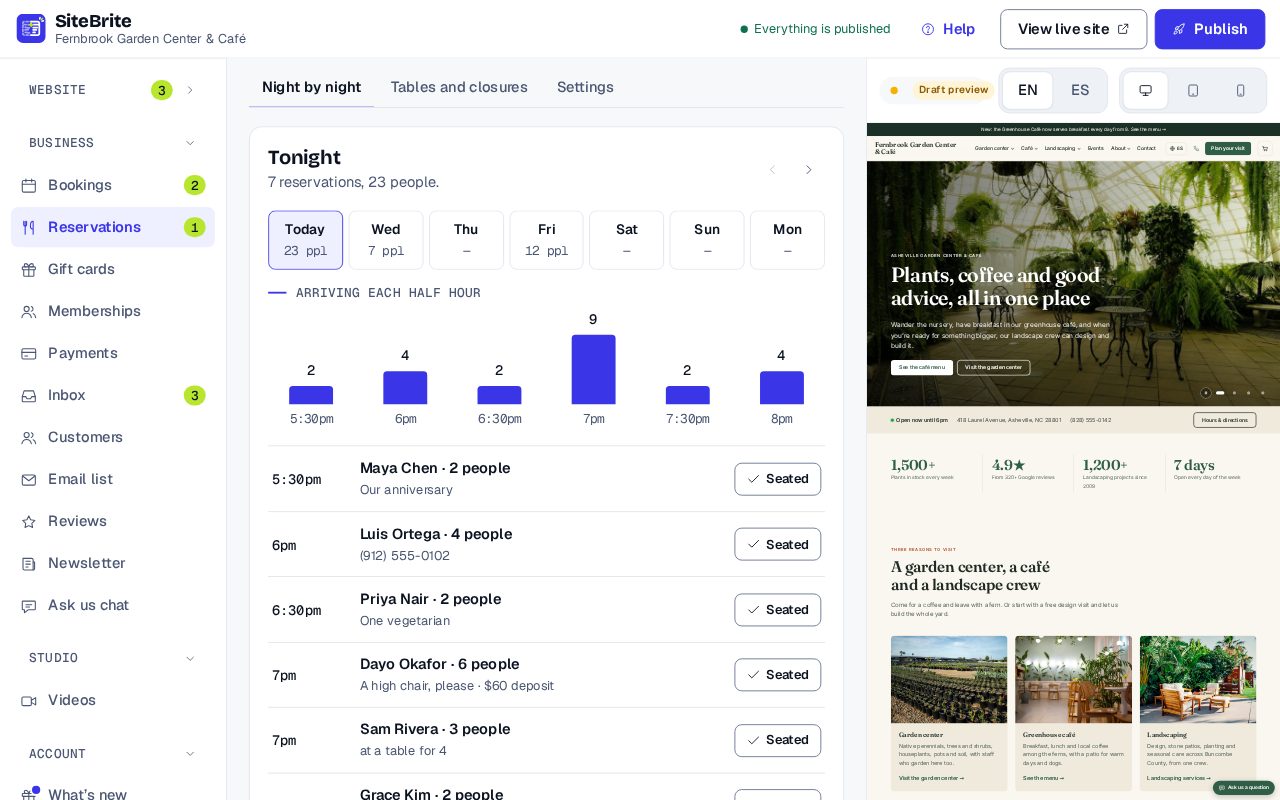
What you see
Simple to run, every day
- Tonight’s list, in time order
- Mark guests as seated
- Add phone reservations in the same place
How it works
From setup to your first customer

- Step 01
Set your tables, party sizes and hours
- Step 02
Share your page, or paste the reservation form onto your site
- Step 03
Guests reserve, and get a reminder
- Step 04
Open tonight’s list and seat them
Details that matter
Nothing hidden
- Guests reserve by party size.
- Each table size keeps its own time, so a table for two turns over sooner than a table for eight.
- Take reservations by phone in the same list.
- Reminder emails before each reservation.
- Optional deposits, paid into your own Stripe account.
- Up to 3,000 reservations a month.
Where it works
- On our page for your business
- Pasted onto your site Embed: Table reservations
- Inside a website from us
Related toolsBookingsAppointments, classes and events, with reminders, deposits and a waiting list.MembershipsSell plans like “Unlimited classes” or “Comfort Club”: customers join with a card and can cancel online anytime.Gift cards and couponsSell gift cards online, issue them by hand, and make coupons.
Questions
About Restaurant reservations
No. There is no fee per guest or per reservation.
No to both. Reservations is a separate add-on, $10 a month, on any plan. Guests can reserve on your booking page, or on a website you already have with the form pasted onto it. It starts once your Business plan or a website plan is running.
Yes, optionally. They go into your own Stripe account.